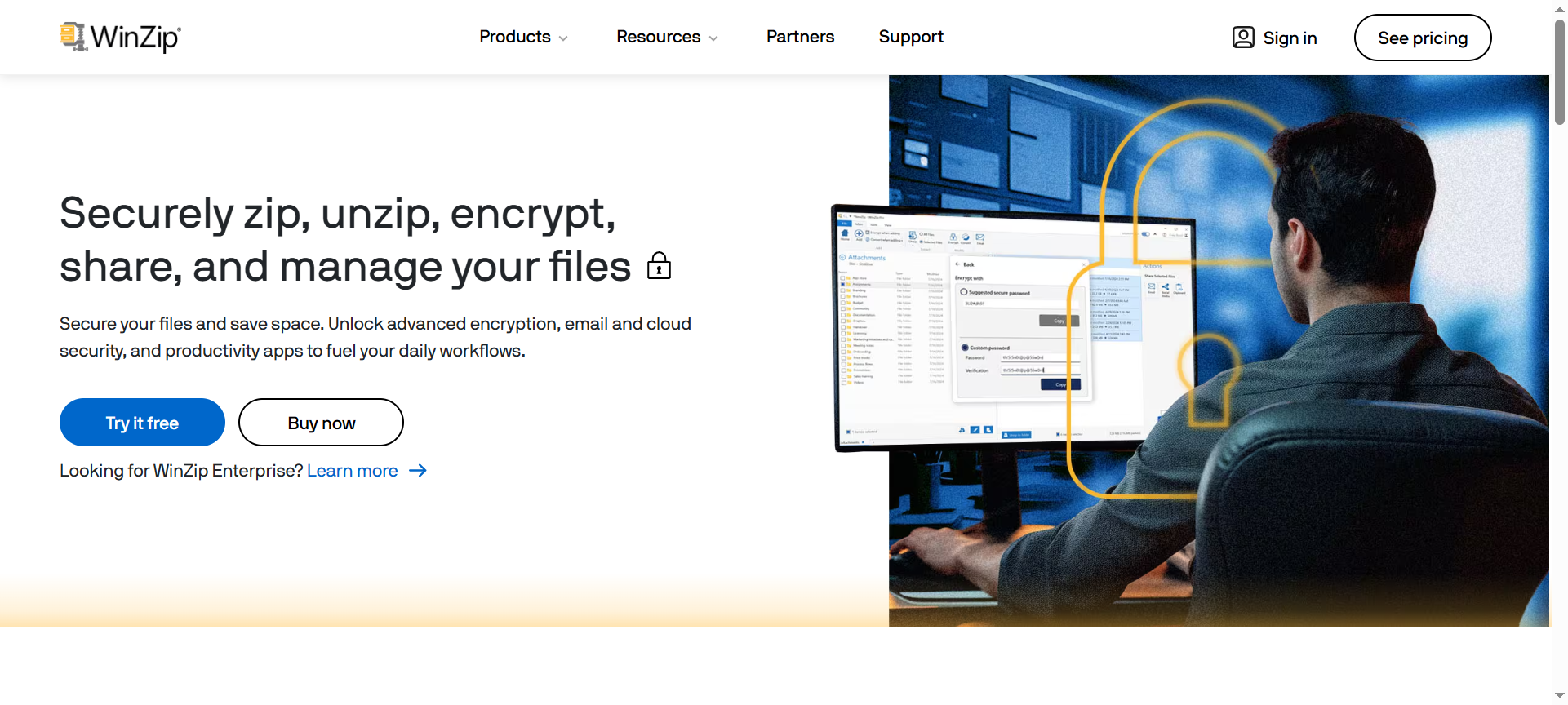

WinZip has long been a leading solution for file compression, management, and sharing. In 2026, WinZip continues to innovate by offering not only powerful compression capabilities but also enhanced security, cloud integration, and easy file sharing. This WinZip Review 2026 explores its features, pricing, pros and cons, discount options, and alternatives, giving users a comprehensive understanding of why it remains a go-to file management software.
Introduction about WinZip
WinZip is a versatile file compression and archiving software that allows users to compress, encrypt, and share files efficiently. Beyond traditional ZIP functionalities, it integrates cloud services, file encryption, and collaboration tools. Designed for both personal and business use, WinZip helps optimize storage, secure sensitive files, and streamline workflow with user-friendly interfaces across Windows, Mac, iOS, and Android platforms.
WinZip Features
- File Compression – Reduce file sizes to save storage space and make sharing large files easier.
- Encryption & Security – Protect sensitive data with AES-256 encryption and password protection.
- Cloud Integration – Connect seamlessly to cloud storage platforms like Google Drive, Dropbox, and OneDrive for easy access and backup.
- File Sharing – Send compressed files via email, social media, or cloud links quickly.
- File Conversion – Convert files to PDF or other formats directly within WinZip for enhanced flexibility.
- Multi-Platform Support – Access, compress, and manage files on Windows, Mac, iOS, and Android devices.
- Automatic Backup – Schedule backups to secure important files automatically without manual effort.
- Image Compression – Optimize images for storage or web sharing without compromising quality.
- Zip File Management – Open, extract, and manage multiple archive formats including ZIP, RAR, 7Z, and TAR.
- Integration with Productivity Tools – Works with Microsoft Office, enabling seamless compression, sharing, and encryption directly from Office applications.
WinZip Pricing Plans
- WinZip Standard – Offers core compression and encryption features. Pricing starts at $35.95 per year.
- WinZip Pro – Includes advanced features such as file conversion, cloud integration, and enhanced sharing. Pricing starts at $59.95 per year.
- WinZip Enterprise – Designed for businesses with multi-device deployment, centralized management, and priority support. Pricing varies based on license quantity.
WinZip Pros & Cons
Pros
- Efficient File Compression – Reduces file sizes significantly without losing quality.
- Strong Security Features – AES encryption and password protection safeguard sensitive data.
- Cloud Connectivity – Easy integration with popular cloud storage platforms enhances productivity.
- Cross-Platform Compatibility – Works seamlessly across Windows, Mac, and mobile devices.
- Enhanced Productivity Tools – File conversion and Office integration streamline workflow.
Cons
- Premium Plans Can Be Expensive – Advanced features require a higher-tier subscription.
- Limited Free Version – Free trial offers only basic functionality.
- Interface Can Be Complex for Beginners – Some users may need time to explore advanced tools.
- Mobile Version Features Are Limited – Full desktop functionalities are not always available on mobile apps.
- No Unlimited Cloud Storage – Relies on user’s cloud storage limits for backups and sharing.
WinZip Discount Coupon Codes 2026
WinZip offers special promotions and discount codes in 2026 to make its software more affordable. Users can apply WinZip Discount Coupon Codes during checkout to receive discounts ranging up to 40% on annual subscriptions, making premium plans more accessible for personal and business use.
Why Choose WinZip?
WinZip remains a top choice for users seeking a reliable, all-in-one file compression and management solution. Its combination of powerful compression, encryption, cloud integration, and file sharing capabilities makes it ideal for both individuals and businesses. By enhancing productivity while ensuring data security, WinZip provides a complete solution for modern file management needs.
WinZip Alternatives
- 7-Zip – A free and open-source file compression tool with high compression ratios and support for multiple archive formats.
- WinRAR – Known for robust file archiving, extraction, and compression with strong encryption support.
- PeaZip – Offers free multi-platform compression and encryption tools with an easy-to-use interface.
WinZip FAQs
- Can WinZip compress large files efficiently? – Yes, it reduces file sizes significantly while maintaining data integrity.
- Does WinZip support cloud storage integration? – Yes, it connects with Google Drive, Dropbox, OneDrive, and other major cloud platforms.
- Is WinZip safe for sensitive data? – Absolutely, with AES-256 encryption and password protection for enhanced security.
- Can I use WinZip on mobile devices? – Yes, WinZip is available on iOS and Android with essential compression and sharing features.
- Does WinZip offer a free trial? – Yes, users can try a limited version before purchasing premium plans.
Conclusion about WinZip
WinZip in 2026 continues to be a leading solution for file compression, security, and management. Its robust features, cross-platform support, cloud integration, and advanced productivity tools make it suitable for personal and professional users alike. With flexible pricing plans and available discount codes, WinZip offers an efficient, secure, and versatile approach to modern file management.