
Vento Review 2026 explores one of the most innovative screen recording tools designed for effortless video creation. Ideal for educators, marketers, and content creators, Vento allows users to pause, rewind, and redo recordings without restarting. This review provides an in-depth look at Vento’s features, pricing, pros and cons, discount options, alternatives, and why it is a top choice in 2026.
Introduction about Vento
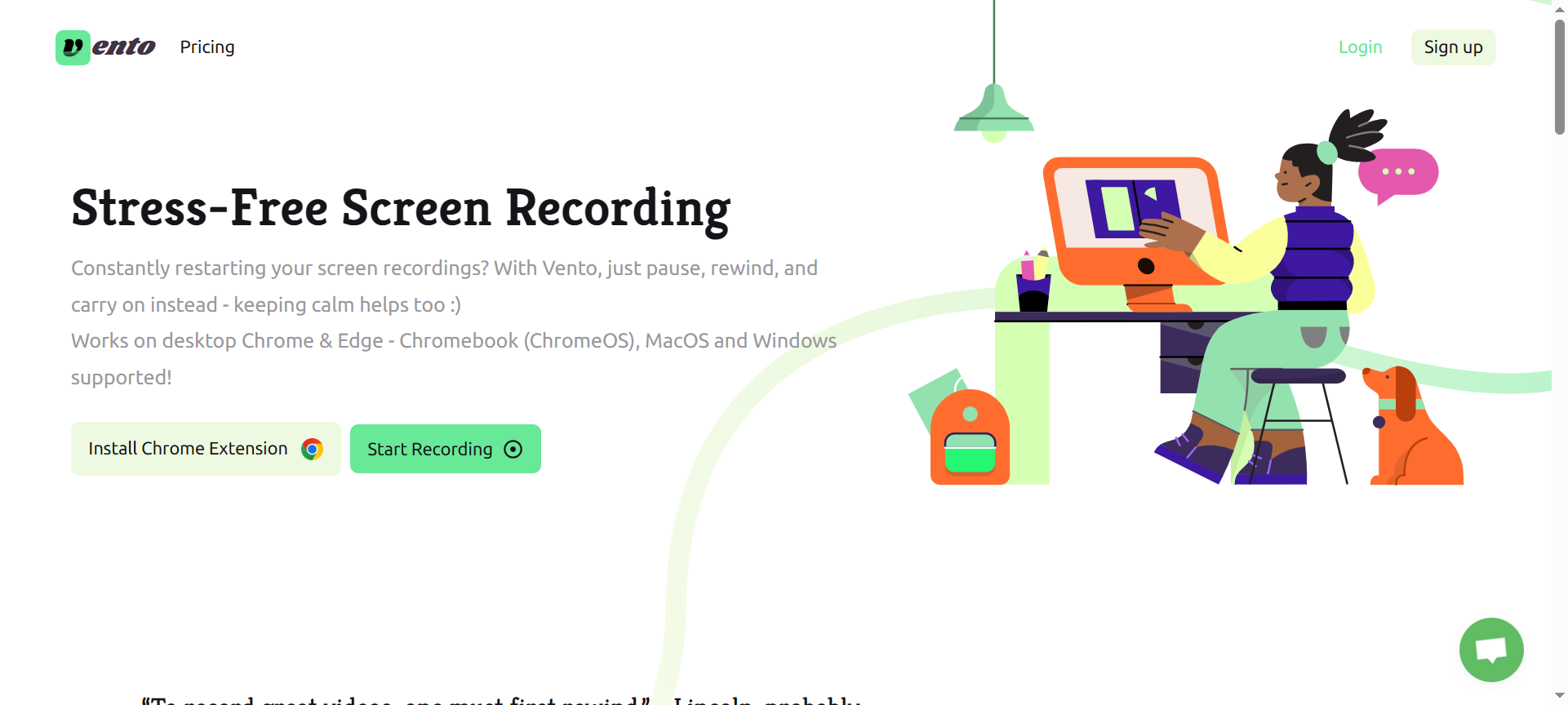
Vento is a modern screen recording platform that works directly in Chrome and Edge browsers, supporting Windows, MacOS, and Chromebooks. Unlike traditional screen recorders, Vento enables users to pause and rewind to correct mistakes mid-recording, eliminating the frustration of restarting entire videos. With additional features like chapter headings, annotations, and webcam recording, Vento is designed for efficiency and polished presentations.
Vento Features
1. Pause and Rewind
Vento allows users to pause a recording and rewind a few seconds to fix mistakes without restarting the entire video, making content creation smoother and faster.
2. Multiple Takes
Users can quickly perform multiple takes by jumping to the last rewind point, ensuring the perfect delivery for pitches, tutorials, or demos.
3. Chapter Headings
Create chapter headings during recording to help viewers navigate through different sections, enhancing the learning and viewing experience.
4. Author Annotations
Add annotations after recording to highlight key points or provide additional context, requiring viewers to acknowledge important information before continuing.
5. Webcam Recording
Vento supports face recording along with screen capture, enabling more engaging presentations and video tutorials.
6. Audio Recording
Capture both internal and external audio, including browser tab audio on most operating systems and full system audio on Windows and Chrome OS.
7. Free Audio Transcription
Automatically generate transcripts for recorded videos, making content more accessible and easier to repurpose.
8. Browser-Based Access
No software downloads are required. Users can record directly from Vento’s website or Chrome extension, making it convenient and lightweight.
9. Video Downloads and Deletion
Users can download finished videos and delete recordings to maintain privacy and control over their content.
10. High-Resolution Recording
Standard recordings are at 720p, with premium options available for higher resolutions for professional-quality videos.
Vento Pricing Plans
- Free Plan – Offers basic recording features with standard 720p resolution and limited functionality.
- Premium Plan – Price varies; includes higher resolution recording, advanced annotations, multiple takes, and extended transcription options. Users need to check the website for current pricing details.
Vento Pros & Cons
Pros:
- Rewind Feature – Correct mistakes instantly without restarting the video.
- Multiple Takes – Efficiently capture perfect content through quick re-records.
- Chapter Headings and Annotations – Improve video structure and engagement.
- Webcam and Audio Support – Records face and audio for immersive presentations.
- Browser-Based Platform – No software installation required, works on multiple devices.
Cons:
- Limited Free Features – Free plan may not include higher resolution or advanced tools.
- Resolution Cap – Standard recordings are only 720p; higher resolutions require premium.
- Browser Dependency – Requires Chrome or Edge, limiting flexibility on other browsers.
- Full System Audio Limitations – Only available on certain operating systems.
- Pricing Transparency – Premium pricing may require visiting the website for updates.
Vento Discount Coupon Codes 2026
Vento offers promotional discounts and coupon codes to save on premium subscriptions. Users can utilize Vento Discount Codes 2026 or Vento Coupon Codes 2026 for cost-effective access to advanced recording features.
Why Choose Vento?
Vento is ideal for educators, content creators, and marketers who need efficient, high-quality screen recordings. Its unique pause-and-rewind feature, chapter headings, annotations, and browser-based convenience make Vento a standout tool in 2026. It simplifies video creation, reduces editing time, and ensures professional results.
Vento Alternatives
1. Loom
A popular screen recording and video messaging tool with instant sharing and team collaboration features.
2. Camtasia
Professional-grade screen recording and video editing software with advanced editing options and effects.
3. Screencast-O-Matic
An easy-to-use platform for screen recording, video editing, and sharing with various resolution options.
Vento FAQs
1. Can I use Vento on a Chromebook?
Yes, Vento supports Chromebooks through its Chrome extension.
2. Does Vento require downloads?
No, Vento works directly in Chrome or Edge browsers, eliminating the need for software installation.
3. Can I record my face while capturing my screen?
Yes, Vento supports webcam recording alongside screen capture.
4. What audio options are available?
Vento records external and internal audio, with full system audio supported on Windows and Chrome OS.
5. Can I delete my recordings?
Yes, users can download and delete recordings to maintain privacy.
Conclusion about Vento
Vento is an innovative, browser-based screen recording tool that simplifies content creation with features like pause, rewind, multiple takes, chapter headings, and annotations. Ideal for educators, marketers, and content creators, Vento ensures professional, polished videos while reducing editing time. With available discount codes and a premium plan for higher-resolution recording, Vento is a valuable solution in 2026 for anyone looking to enhance video production efficiency.