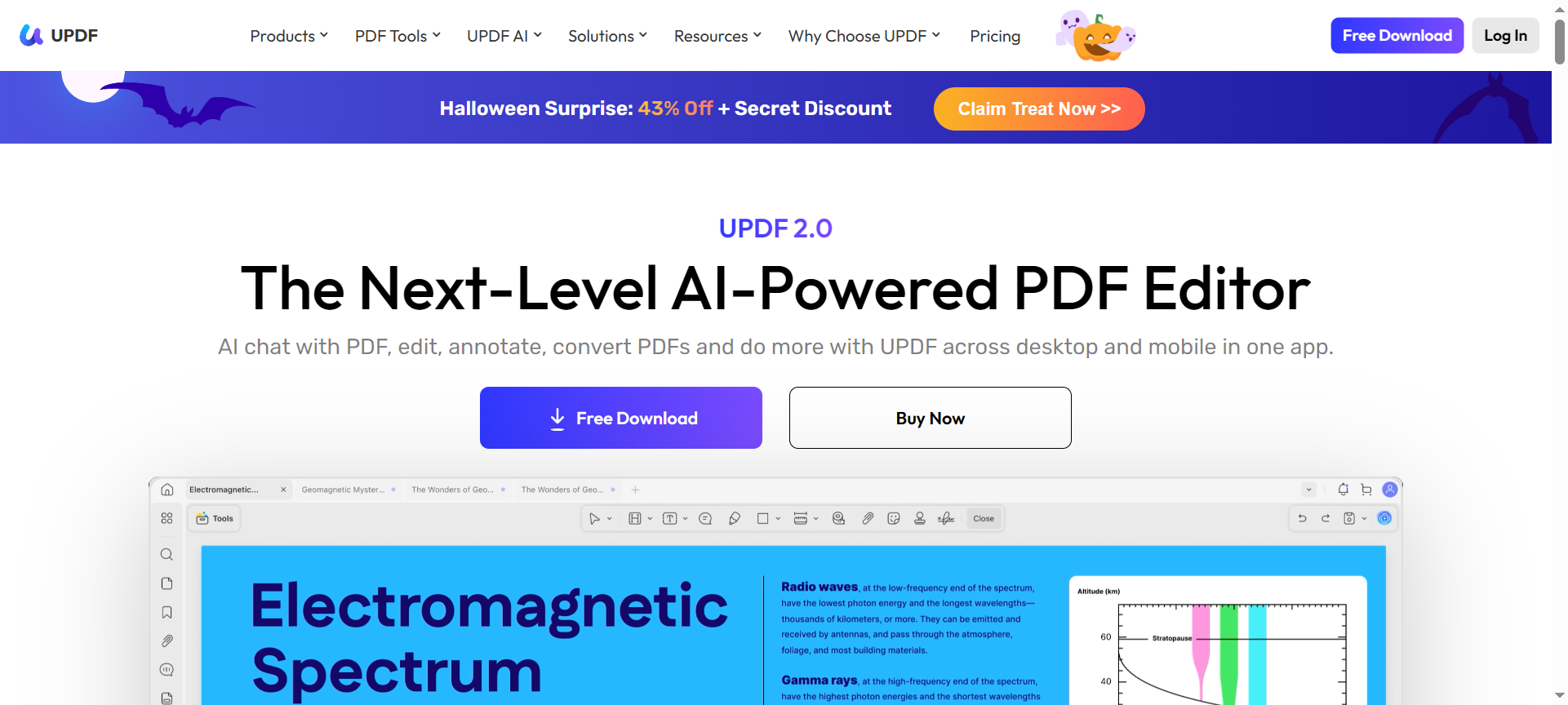

UPDF PDF Editor Review 2026 explores a versatile and AI-integrated PDF editing solution that is transforming the way individuals and businesses manage documents. With its all-in-one functionality, UPDF provides advanced editing, annotation, conversion, and collaboration tools across desktop and mobile platforms. This review covers its features, pricing, pros and cons, discount codes, alternatives, and why it is a must-have PDF editor in 2026.
Introduction about UPDF PDF Editor
UPDF PDF Editor is a modern, AI-powered PDF tool designed for Windows, Mac, iOS, and Android users. It allows seamless PDF editing, annotation, conversion, and signing with a focus on simplicity and high performance. Whether you are a student, professional, or business user, UPDF provides a complete suite of features for managing PDF files efficiently. Its AI integration enables advanced tasks like summarizing, translating, and generating mind maps from PDFs, enhancing productivity and collaboration.
UPDF PDF Editor Features
1. Edit PDF Text and Images
UPDF allows users to edit text, images, and links directly within PDF files, making it as easy as editing a Word document.
2. Annotate PDF
Highlight, underline, add shapes, sticky notes, and comments to make PDF reviewing and collaboration more effective.
3. Convert PDF
Convert PDF files to formats like Word, Excel, PowerPoint, and images without losing formatting.
4. Create PDF
Easily create PDF files from blank templates or other documents to streamline workflows.
5. Organize PDF Pages
Reorder, rotate, delete, split, merge, or extract pages for better document management.
6. Sign PDF
Add electronic signatures securely to PDFs for faster approvals and official documentation.
7. AI-Powered Tools
Use AI features such as summarizing PDFs, translating text, explaining content, and creating mind maps.
8. OCR Technology
Recognize text from scanned documents or images, making them editable and searchable.
9. Cloud Integration
Secure cloud storage allows access to files across devices with synchronization.
10. Security Features
Encrypt PDFs and protect sensitive documents during sharing or storage.
UPDF PDF Editor Pricing Plans
UPDF provides flexible pricing plans:
- Free Plan – Limited editing and AI features, suitable for casual users.
- Individual Plan – Around $29.99 per year, full access to all editing, annotation, and AI tools.
- Pro Plan – Around $59.99 per year, includes batch processing, advanced AI tools, and priority support.
Annual subscriptions often offer discounted rates compared to monthly billing.
UPDF PDF Editor Pros & Cons
Pros:
- Comprehensive Features – Covers editing, annotation, conversion, signing, and AI tools.
- Cross-Platform – Works on Windows, Mac, iOS, and Android devices.
- User-Friendly Interface – Intuitive design suitable for beginners and professionals.
- AI Integration – Innovative features for summarizing, translating, and mind mapping PDFs.
- Secure Cloud Access – Synchronize and store files safely across devices.
Cons:
- Limited Free Plan – Some features are restricted in the free version.
- AI Feature Dependence on Internet – Requires connectivity for AI-powered tasks.
- Batch Processing Only in Pro Plan – Free users cannot process multiple PDFs simultaneously.
- Learning Curve for Advanced AI Features – Beginners may need time to utilize all AI tools.
- No Offline AI Support – AI features are cloud-dependent.
UPDF PDF Editor Discount Coupon Codes 2026
UPDF offers discount codes and coupons in 2026 for individual and pro plans. Users can apply UPDF PDF Editor Discount Codes 2026 or UPDF PDF Editor Coupon Codes 2026 to save up to 40% on annual subscriptions, making it cost-effective for regular users and businesses.
Why Choose UPDF PDF Editor?
UPDF PDF Editor is ideal for anyone seeking an all-in-one PDF solution. Its combination of cross-platform support, AI-powered features, user-friendly interface, and advanced editing capabilities makes it perfect for professionals, students, and organizations. The editor enhances productivity, simplifies document management, and ensures secure handling of sensitive information.
UPDF PDF Editor Alternatives
1. Adobe Acrobat DC
A professional-grade PDF editor with comprehensive features, widely trusted by businesses and enterprises.
2. Foxit PDF Editor
Offers robust PDF editing, collaboration, and security tools suitable for corporate and individual users.
3. PDF Expert
A Mac-focused PDF tool known for its intuitive interface, editing capabilities, and seamless integration with Apple devices.
UPDF PDF Editor FAQs
1. Can I use UPDF for free?
Yes, the free plan offers limited features suitable for casual PDF editing and annotation.
2. Does UPDF support mobile devices?
Yes, UPDF works on iOS and Android devices in addition to Windows and Mac.
3. Can UPDF convert PDFs to other formats?
Yes, you can convert PDFs to Word, Excel, PowerPoint, and image formats.
4. Is UPDF secure for sensitive documents?
Yes, UPDF offers encryption and secure cloud storage for safe handling of documents.
5. Are AI features available in the free plan?
AI features like summarizing, translating, and mind maps are available only in paid plans.
Conclusion about UPDF PDF Editor
UPDF PDF Editor is a versatile, AI-powered, and cross-platform PDF solution that meets the needs of students, professionals, and businesses. Its combination of editing, annotation, conversion, AI integration, and cloud synchronization makes it a leading choice for 2026. With competitive pricing, discount codes, and a user-friendly interface, UPDF PDF Editor ensures efficient document management and enhanced productivity for all users.