
What is SentryPC?
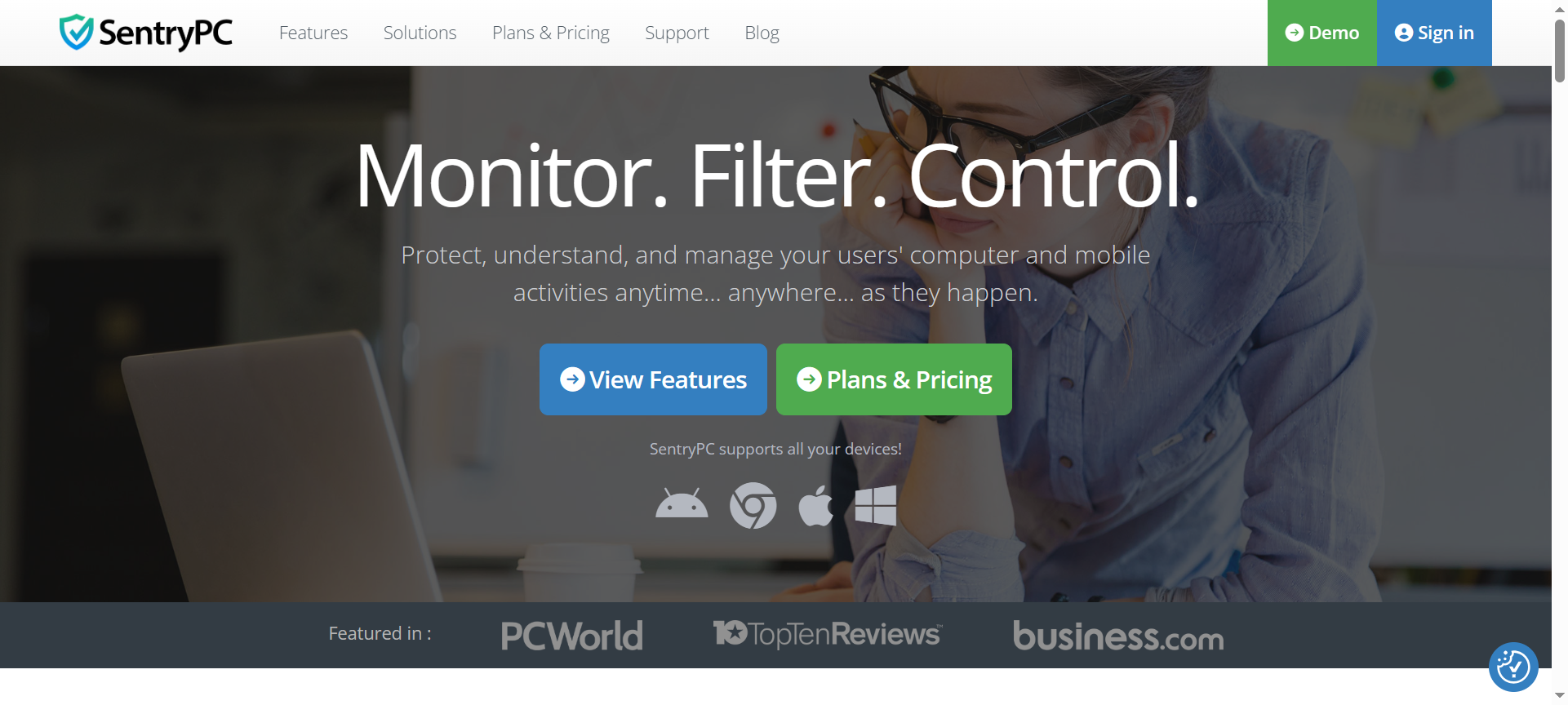
SentryPC is a robust monitoring and management software designed to track, control, and protect computer usage. It caters to parents, businesses, and schools, offering a centralized solution to monitor user activity, block inappropriate content, and enforce productivity. By combining activity logging, application control, website filtering, and remote management, SentryPC provides an all-in-one tool to ensure digital safety and operational efficiency.
SentryPC Features
- Activity Monitoring – Logs keystrokes, websites visited, and applications used to provide detailed insights into computer usage.
- Website Blocking – Allows administrators to block access to specific websites or categories, ensuring safe and productive browsing.
- Application Control – Restricts or permits usage of specific applications, preventing unauthorized software usage.
- Time Management – Schedule computer access for users to enforce productivity and prevent overuse, ideal for children or employees.
- Remote Monitoring & Management – Provides real-time access to monitor, control, and manage computers remotely.
- Screenshot Capture – Takes periodic screenshots of user activity to provide visual evidence of computer usage.
- Email Reports – Generates detailed reports of activity and sends them via email for easy tracking and review.
- Cloud-Based Dashboard – Offers a centralized dashboard to manage multiple computers from anywhere with internet access.
- Alerts & Notifications – Sends alerts when restricted activities are attempted, keeping administrators informed.
- Cross-Platform Compatibility – Works on Windows and Mac, allowing management of diverse computer environments.
SentryPC Pricing Plans
SentryPC offers flexible pricing based on the number of computers being monitored:
- Single Computer License – $49.95/year, includes all core monitoring and management features.
- Multi-Computer Licenses – Available in packages for 5, 10, or more computers, with discounted rates per device.
- Lifetime License – One-time payment options are available for long-term users, offering cost savings over annual subscriptions.
SentryPC Pros & Cons
Pros
- Comprehensive monitoring for websites, applications, and keystrokes.
- Easy-to-use cloud-based dashboard for remote management.
- Time management tools ideal for productivity enforcement.
- Alerts and email reports keep administrators informed.
- Cross-platform compatibility ensures wide usability.
Cons
- Limited mobile device monitoring compared to desktop.
- Some advanced features may require technical knowledge to configure.
- Free trial is limited, requiring purchase for full experience.
- User interface is functional but less modern than some competitors.
- Occasional false positives in website or application blocking.
SentryPC Discount Coupon Codes 2026
In 2026, SentryPC provides various discount opportunities through SentryPC Discount Codes and SentryPC Coupon Codes. Users can often find promotional offers up to 20% off annual subscriptions or multi-computer licenses, making it more affordable for families and organizations looking to implement digital monitoring solutions.
Why Choose SentryPC?
SentryPC is ideal for parents, schools, and businesses seeking a reliable monitoring and control solution. Its combination of website filtering, application control, activity logging, and remote management ensures digital safety and productivity. With cloud-based access and cross-platform compatibility, administrators can manage and monitor devices from anywhere, making SentryPC a versatile and powerful choice for 2026.
SentryPC Alternatives
- Qustodio – Parental control software with strong web filtering, activity reports, and device management capabilities.
- Net Nanny – Offers real-time internet filtering, alerts, and time management tools for families and schools.
- Spyrix Personal Monitor – Provides activity monitoring, screenshots, keystroke logging, and alerts for desktop usage.
SentryPC FAQs
- Can SentryPC monitor multiple devices?
Yes, SentryPC supports multiple computer monitoring through multi-device licenses and a centralized cloud dashboard. - Does SentryPC work on Mac?
Yes, SentryPC is compatible with both Windows and Mac operating systems. - Can I block specific websites with SentryPC?
Absolutely, the software allows website and category-based blocking to ensure safe and productive usage. - Is remote monitoring possible with SentryPC?
Yes, administrators can monitor and manage computers remotely via the cloud dashboard. - Does SentryPC provide activity reports?
Yes, SentryPC generates detailed activity reports and can email them for review.
Conclusion
SentryPC Review 2026 highlights its role as a comprehensive monitoring and control solution for families, schools, and businesses. With features like activity logging, website and application control, remote management, and detailed reporting, it ensures digital safety and productivity. Affordable pricing, available discount codes, and versatile multi-device support make SentryPC a reliable and essential tool for managing computer usage in 2026.