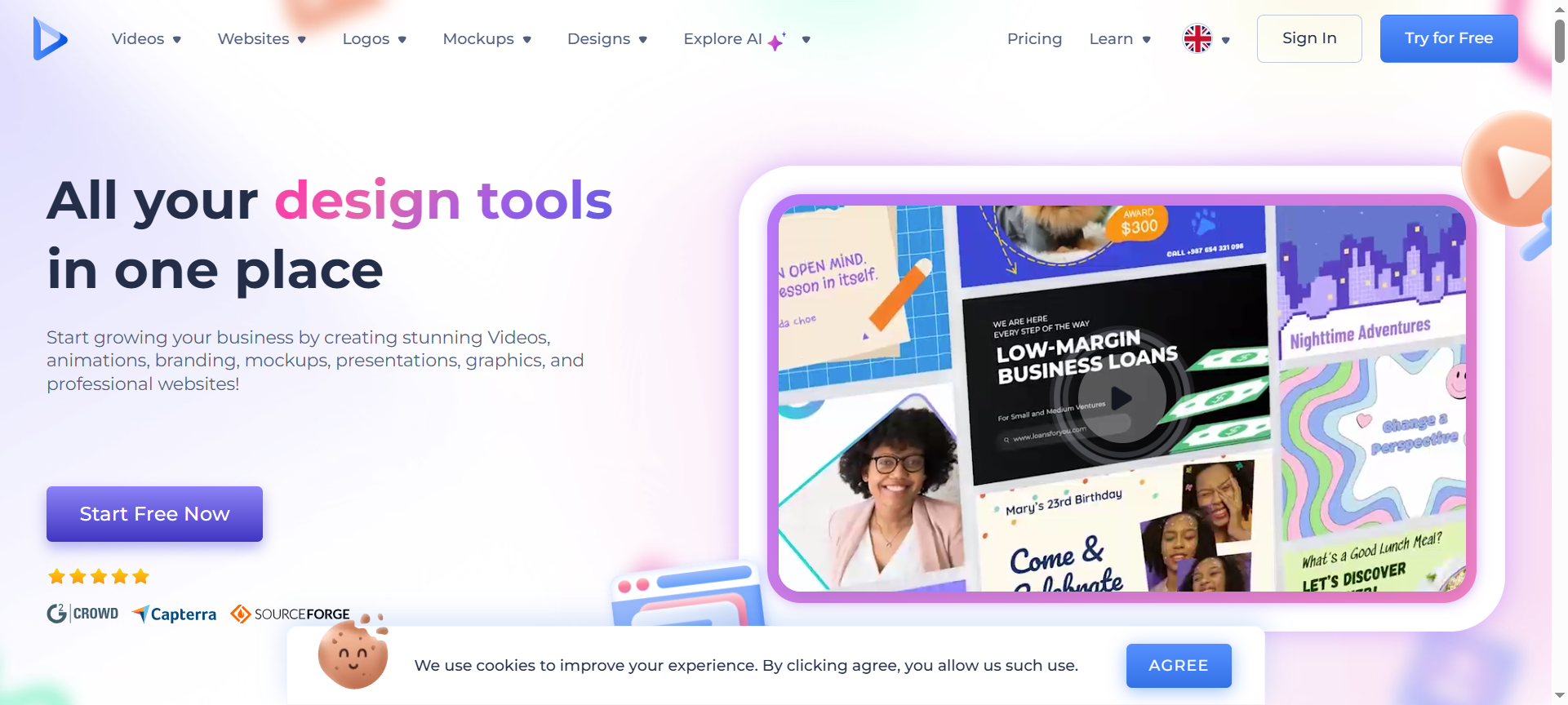

Renderforest Review 2026 explores one of the most popular all-in-one online creative platforms available today. Known for its simplicity, power, and versatility, Renderforest helps users design professional videos, create websites, make logos, and develop visual branding assets in minutes. In 2026, the platform has evolved with AI-powered tools, enhanced templates, and a smoother workflow—making it easier than ever for creators, startups, and businesses to build stunning content without technical skills.
Introduction about Renderforest
Renderforest is a comprehensive online platform designed to meet all your branding and creative needs in one place. From logo design and video creation to website building and social media visuals, it provides a unified workspace for creators and businesses. Founded to make professional design accessible to everyone, Renderforest has grown into one of the top cloud-based design tools trusted by millions worldwide. In 2026, it continues to improve its AI-driven capabilities, providing faster, smarter, and more powerful design automation while maintaining an intuitive user experience.
Renderforest Features
- AI Video Generator – Instantly transform scripts or text into professional-quality animated videos using the platform’s intelligent AI engine.
- Extensive Template Library – Access thousands of ready-made templates for videos, presentations, logos, and websites—saving hours of design time.
- Website Builder – Build responsive, SEO-friendly websites using customizable layouts, domain integration, and drag-and-drop editing tools.
- Logo Maker – Generate unique logos instantly using AI-powered suggestions, with full customization of fonts, icons, and colors.
- Animation and Motion Graphics – Create dynamic 2D and 3D animations for intros, explainer videos, and product presentations with ease.
- Stock Media Access – Gain direct access to a vast library of stock videos, photos, and background music without leaving the editor.
- Cloud Collaboration – Store your projects securely online and invite team members for real-time collaboration and feedback.
- Custom Branding Tools – Maintain visual consistency across platforms by creating branded mockups, social media kits, and presentations.
- High-Resolution Exports – Export videos and graphics in HD, Full HD, or even 4K resolution depending on your chosen plan.
- AI-Powered Workflow – Simplify repetitive design tasks with smart AI features that speed up production and improve creativity.
Renderforest Pricing Plans
Renderforest offers flexible pricing plans tailored to different user needs and budgets.
- Free Plan – $0 per month: Ideal for beginners, includes access to basic templates, 300MB storage, and watermarked videos.
- Lite Plan – Around $9 to $14 per month: Removes watermarks, allows HD720 video exports, and includes 10GB of storage.
- Pro Plan – Around $19 to $39 per month: Offers Full HD1080 exports, access to premium templates, 30GB storage, and commercial rights.
- Business Plan – Around $29 to $49 per month or custom pricing: Unlocks 4K video exports, unlimited access to templates, reseller rights, and dedicated support.
Annual billing often provides significant discounts compared to monthly pricing, making long-term use more affordable.
Renderforest Pros & Cons
Pros:
- All-in-one platform for videos, branding, websites, and graphics.
- Simple interface perfect for beginners and non-designers.
- High-quality outputs suitable for commercial and marketing use.
- Saves significant time with templates and automation.
- Scalable pricing suitable for freelancers, startups, and agencies.
Cons:
- Free plan includes limitations such as watermarks and shorter video duration.
- Advanced customization options are restricted to premium plans.
- Internet connection required for all operations as it’s fully cloud-based.
- Some templates may feel repetitive for users seeking highly original designs.
- Long-term subscription may become costly for smaller users with limited needs.
Renderforest Discount Coupon Codes 2026
Renderforest frequently offers Renderforest Discount Codes 2026, Renderforest Coupon Codes 2026, and Renderforest Discount Coupon Codes 2026 that provide savings on subscriptions and annual plans. Discounts typically range from 15% to 40%, depending on seasonal promotions or bundle offers. These coupon codes can be applied at checkout to unlock lower prices on premium plans, giving users access to advanced templates, HD exports, and full branding features at a reduced cost.
Why Choose Renderforest?
Renderforest stands out in 2026 as a complete creative suite for both individuals and businesses. Its major advantage lies in integrating video creation, logo design, branding, and website building within a single platform—removing the need to juggle multiple tools. The AI-powered features streamline content production, while templates ensure professional results even for beginners. For marketers, entrepreneurs, agencies, and educators who want a fast, affordable, and visually consistent design experience, Renderforest remains one of the best options available.
Renderforest Alternatives
- Animaker – A user-friendly animation and video creation platform perfect for creating explainer videos, tutorials, and animated stories. While it excels in animation, it lacks website-building and logo tools offered by Renderforest.
- Canva Pro – A versatile design tool for social media posts, branding materials, and simple videos. Canva’s interface is excellent for quick graphic design but doesn’t provide the same depth of video animation and website features as Renderforest.
- Vyond – A professional animation platform ideal for corporate training, educational, and marketing videos. It provides powerful character animation features but is more expensive and less beginner-friendly compared to Renderforest.
Renderforest FAQs
1. Can I use Renderforest for commercial purposes?
Yes, paid plans include full commercial rights for all created assets, allowing users to use videos, websites, and logos for business purposes.
2. Does Renderforest remove watermarks on paid plans?
Absolutely. Once you upgrade to a premium plan, all watermarks are removed from your exported videos and graphics.
3. Can I design a website using Renderforest?
Yes, Renderforest includes a complete website builder that helps you create mobile-friendly websites using templates and AI assistance.
4. Does Renderforest offer a free version?
Yes, it offers a free plan that allows users to explore its tools and templates with limited storage and watermarked exports.
5. Is Renderforest suitable for beginners?
Yes, Renderforest is designed for everyone—its drag-and-drop interface and AI automation make content creation effortless, even for first-time users.
Conclusion about Renderforest
Renderforest remains one of the most reliable and versatile online creative platforms in 2026. With tools for video production, website design, logo creation, and branding in one place, it empowers users to produce professional-quality results without the need for technical expertise. Its AI features, growing template library, and attractive pricing plans make it an ideal choice for businesses, startups, and content creators. Whether you’re launching a brand, creating a promo video, or building an online presence, Renderforest is the all-in-one solution that delivers creativity, consistency, and value in 2026.