
In the fast-moving digital workspace of 2026, written communication matters more than ever. Whether you are drafting emails, composing reports, writing creative content or engaging a global audience, you need tools that help you write clearly, quickly and on-brand. In this Pismo Review 2026 we explore how the AI writing assistant Pismo stands out as a strong choice for professionals, teams and content creators. We’ll examine what Pismo is, its features, pricing plans, pros & cons, discount coupon codes, why you might choose it, what alternatives exist, and answer key FAQs to help you decide if it’s the right tool for you.
Introduction to Pismo
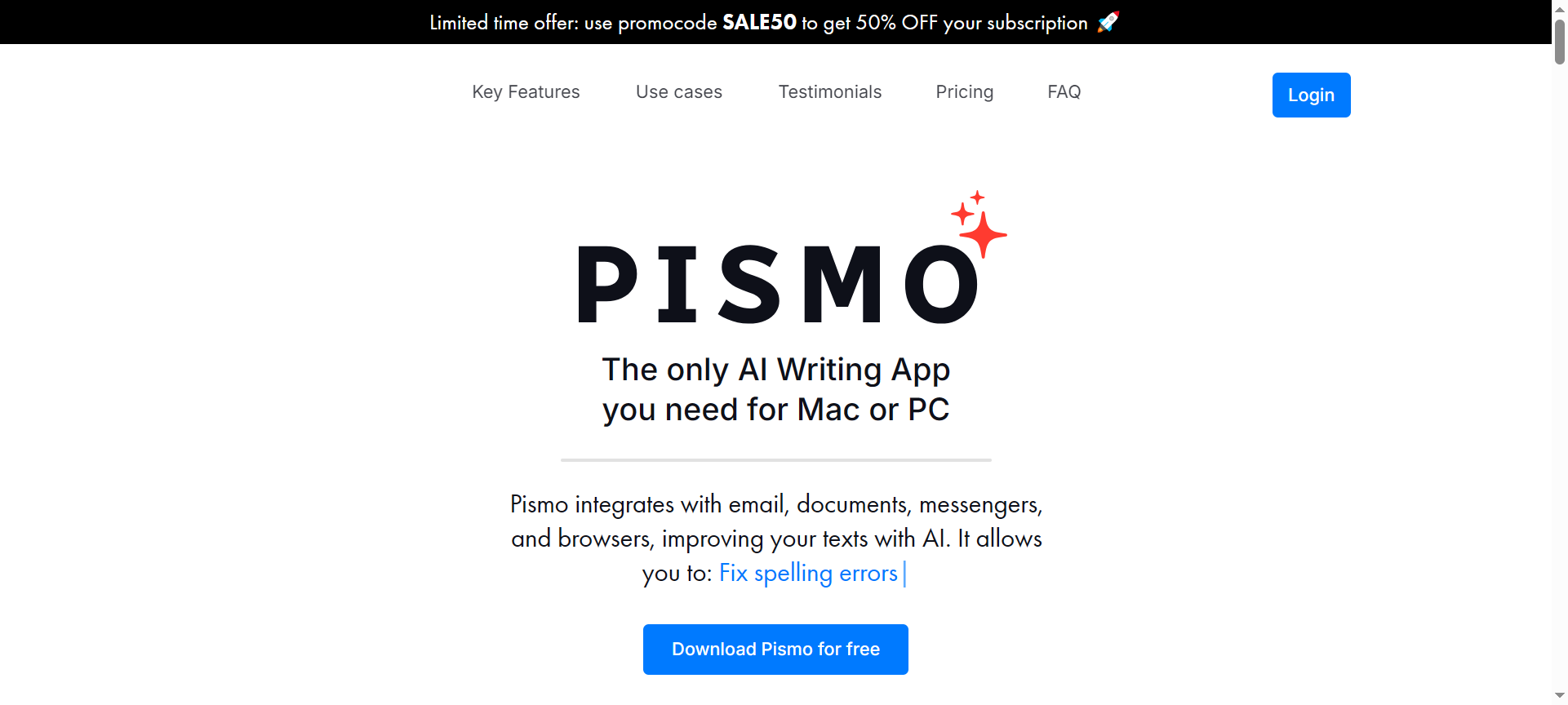
Pismo is an AI-powered writing assistant designed for both Mac and Windows platforms. Unlike browser extensions limited to a single application, Pismo integrates across email clients, document editors, messengers and browsers, enabling you to improve your writing wherever you work. With capabilities such as proofreading, tone adjustment, translation and text-length modification built in, Pismo promises to boost your productivity and professional writing performance. As of 2026 Pismo has matured into a multi-platform desktop tool that appeals to writers, marketers, professionals and teams seeking consistent communication quality.
Pismo Features
- AI-Powered Writing & Proofreading
Every time you write, Pismo uses AI to suggest improvements—fixing grammar and spelling, improving clarity and enhancing sentence structure. This is core to boosting writing quality. - Tone & Style Adjustment
You can change the tone of your writing—formal, friendly, persuasive or casual—so messages resonate with different audiences and contexts. - Text Length Modification
Need to shorten a long piece or expand a brief draft? Pismo lets you adjust the length of any text at the click of a button, making it adaptable for emails, reports or content. - Multilingual Translation
Reach a global audience by translating your writing into multiple languages. Pismo helps you cross language barriers and convert content for international communications. - Seamless Integration & Hotkeys
Pismo works across applications—document editors, email clients, browsers—and supports hotkeys and custom prompts so you can trigger its features from anywhere. - Custom Prompt Creation
You can build your own prompts tailored to your workflow—whether that’s rewriting newsletter drafts, generating customer responses or summarizing long texts. - Multiplatform Desktop Support
Rather than being limited to one environment, Pismo supports Mac and Windows, and works across your favourite productivity apps in one central interface. - Smart Summarization & Bullet-Point Generation
When you need key points fast, Pismo can condense texts into summary or bullet-point formats—a big time-saver for reporting or reviewing content. - Secure & Privacy-Focused Operation
Pismo emphasises safe writing: it processes data in the cloud but claims not to store or misuse your texts, giving you confidence for professional and sensitive communications. - Workflow-Friendly Design
With integration, customisation and rapid response, Pismo supports high-volume writing workflows—teams and professionals can manage writing tasks more efficiently.
Pismo Pricing Plans
As of 2026, Pismo offers flexible pricing:
- Free Trial: A no-cost option to test core features, ideal for occasional users or evaluation.
- Premium Plan: Around $16 per month, unlocking full writing, translation, custom prompt and unlimited usage features.
- Lifetime Deal Options: Occasional one-time payment offers have been available via platforms, offering long-term access.
- Team Plans: Designed for professional teams, pricing varies based on usage and seats—these allow shared style guides, admin controls and priority support.
Pismo Pros & Cons
Pros:
- High-quality AI writing assistance that improves clarity, tone and professional impact.
- Works across your desktop apps, not limited to a browser, enabling seamless workflow.
- Multilingual support makes it valuable for global communication and user-bases.
- Custom prompt and hotkey functionality allow personalisation of the tool to suit your style.
- Affordable entry and flexible pricing make it accessible to freelancers, professionals and teams.
Cons:
- Although powerful, it may not match full creative writing platforms in generating long-form articles.
- Reliant on cloud services—offline use is limited, and connection is required.
- Some advanced integrations (CRM, bulk messaging) are less mature than leading enterprise tools.
- Teams wanting full collaboration features may find other tools more specialised.
- Users may need time to understand how to set tone, prompts and workflows effectively.
Pismo Discount Coupon Codes 2026
To maximise savings, look out for Pismo discount codes and coupon codes in 2026. Periodic promotions (seasonal sales, lifetime deal platforms) provide access to reduced-price plans or credits. Applying Pismo discount coupon codes during checkout can significantly lower your monthly or one-time fee and unlock advanced features affordably. Keep a lookout for “Pismo Discount”, “Pismo Discount 2026”, “Pismo Coupon Codes 2026” and similar offers to get the best deal.
Why Choose Pismo?
If you write frequently, communicate professionally, or handle global or multilingual content, Pismo offers a potent combination of features. It improves your writing instantly, adapts to your brand voice, supports multiple platforms, and integrates into your desktop workflow. For professionals, teams and content creators who value precision, speed and consistency in writing, Pismo is a smart choice in 2026.
Pismo Alternatives
- Grammarly
Well-known in writing assistance, Grammarly offers grammar correction, tone detection and browser-based support. However, it lacks deeper translation or custom prompt features that Pismo offers. - Jasper AI
Focused on content generation, Jasper is strong for long-form content and marketing copy—but is less integrated at the desktop app level and custom prompt/hotkey features are less central. - ProWritingAid
A robust writing tool for authors and long-form writers, ProWritingAid provides deep editing, style reports and writing metrics. It is suited for book-length projects rather than quick desktop workflow enhancements.
Pismo FAQs
- Does Pismo offer a free plan?
Yes, Pismo offers a free trial or limited plan so you can test its features and decide if upgrading is worthwhile. - Can I set my own writing tone and style in Pismo?
Yes. Pismo allows tone adjustment (formal, friendly, persuasive) and you can create custom prompts to match your brand voice. - Does Pismo support translation into other languages?
Yes. Pismo supports multilingual translation, enabling you to rewrite your text in different languages and reach global audiences. - Does Pismo work on both Mac and Windows?
Yes. It supports both platforms and integrates into many desktop apps, making it versatile regardless of your operating system. - Are there team or collaboration plans for Pismo?
Yes—team plans exist, offering shared templates, style guides and admin controls. You may need to contact the vendor for pricing specific to your team size.
Conclusion
In this Pismo Review 2026, we find that Pismo stands out as an advanced, workflow-friendly AI writing assistant for professionals and teams. With features like tone adjustment, translation, custom prompts, hotkeys and multi-platform support, it empowers efficient, polished writing across the board. While it may not replace large-scale long-form content platforms, for everyday writing tasks and professional communication it offers excellent value. If you want to elevate your writing in 2026, keep an eye out for Pismo discount coupon codes and jump in. Choose Pismo for clarity, speed and smarter writing.