What is Filmora?
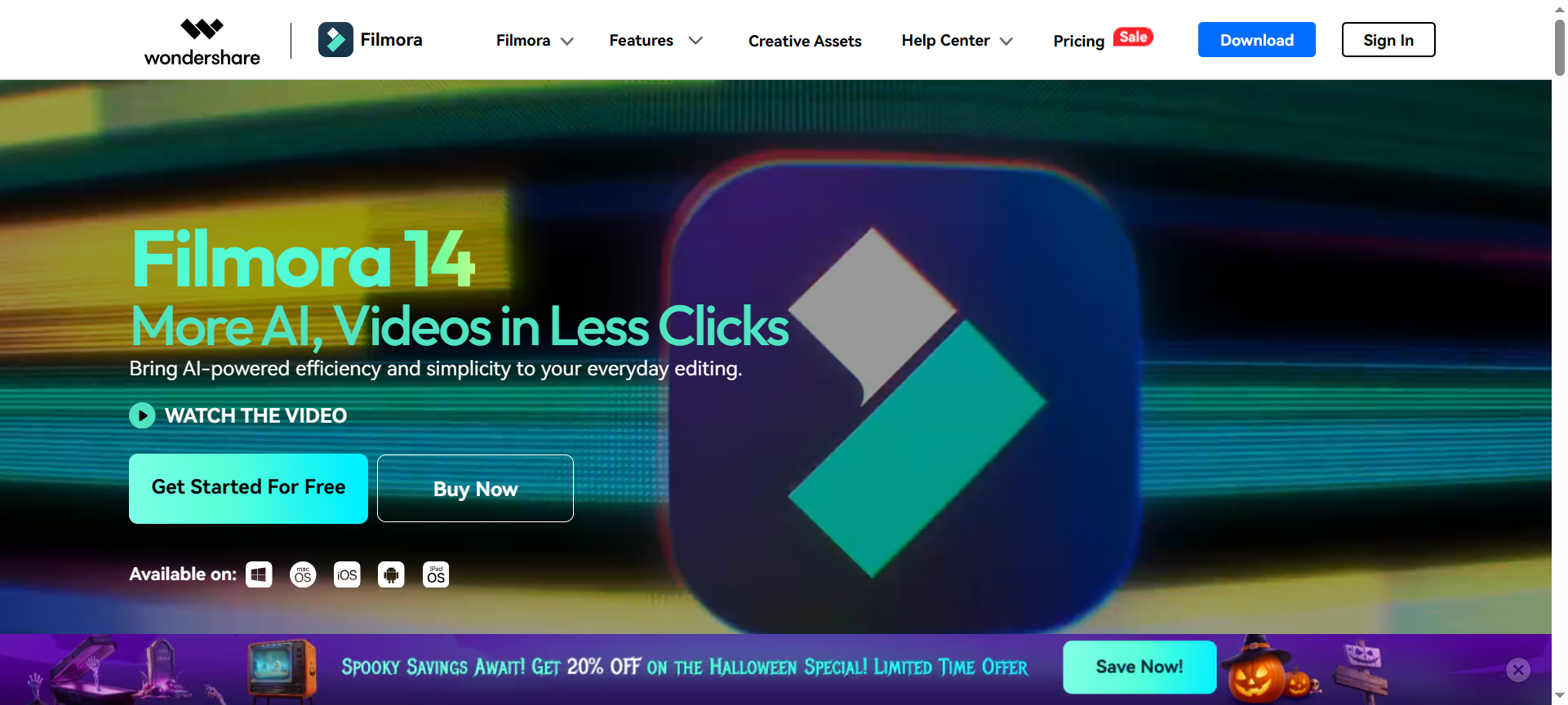
Filmora is a video editing software developed by Wondershare, a global leader in creative and productivity tools. Designed for beginners and pros alike, Filmora helps users create stunning videos with minimal effort. It supports drag-and-drop editing, AI-driven effects, keyframing, and more — making it perfect for YouTube videos, short films, marketing content, and social media posts.
Over the years, Filmora has evolved into a full-featured platform that blends simplicity with innovation, offering a perfect balance between creativity and efficiency. With 2026’s latest update, users now enjoy advanced AI features like Smart Cutout, Audio Denoise, and Auto Beat Sync for effortless storytelling.
Filmora Features
Here are 10 standout features that make Filmora 2026 one of the best video editing tools for creators:
1. AI-Powered Editing
Filmora’s AI tools, including AI Smart Cutout and AI Audio Stretch, allow you to automatically detect and remove backgrounds, sync audio, and adjust timing — saving hours of manual work.
2. Drag-and-Drop Simplicity
You don’t need to be an expert. With Filmora’s intuitive drag-and-drop interface, editing videos, adding effects, or inserting transitions is effortless.
3. Stunning Transitions and Effects
Filmora comes with 1,000+ built-in effects, filters, titles, and animations to make your videos visually appealing. You can even access premium effects from the Filmstock library.
4. Screen Recording & Webcam Capture
Perfect for educators, gamers, and vloggers, Filmora lets you record your screen and webcam simultaneously — ideal for tutorials, demos, and live reactions.
5. Keyframing & Motion Tracking
Add dynamic movement to your text, images, or clips using advanced keyframing controls and motion tracking for professional-quality animations.
6. AI Audio Tools
Features like Audio Denoise and Auto Beat Sync automatically clean and sync your sound, delivering crisp, studio-quality audio for every project.
7. Split Screen & Picture-in-Picture
Create engaging comparison videos or reaction-style content easily using Filmora’s multi-screen editing options.
8. Cloud Storage & Collaboration
With Filmora Cloud, you can save, share, and collaborate on projects across multiple devices — perfect for teams and agencies.
9. Built-in Templates & Presets
Save time with ready-made video templates for intros, outros, social media reels, and YouTube content.
10. Export Options & Platform Compatibility
Filmora supports exporting videos in multiple formats, including MP4, MOV, AVI, and optimized presets for YouTube, Instagram, and TikTok.
Filmora Pricing Plans (2026)
Filmora offers flexible pricing options suitable for individuals, businesses, and teams. Here’s a breakdown of the 2026 pricing plans:
- Free Plan – Basic features with watermark on exports.
- Annual Plan – Around $49.99/year with full features and no watermark.
- Perpetual Plan (One-time Purchase) – Approximately $79.99, ideal for users who prefer a lifetime license.
- Business Plan – Custom pricing for teams with multiple licenses and cloud collaboration features.
🎯 Tip: Filmora often runs limited-time promotions — so using a Filmora Discount Coupon 2026 can help you save up to 40–50% off on your subscription.
Filmora Pros & Cons
Here’s a balanced look at what makes Filmora great — and where it can improve:
Pros:
- ✅ User-friendly interface for beginners and pros.
- ✅ AI-powered tools save time and enhance creativity.
- ✅ Affordable compared to competitors like Adobe Premiere Pro.
- ✅ Huge library of effects, transitions, and stock assets.
- ✅ Supports 4K resolution and multiple export formats.
Cons:
- ❌ Free version includes a watermark.
- ❌ Not as feature-rich as high-end editors for Hollywood-level productions.
- ❌ Occasional performance lag on older PCs.
- ❌ Requires internet access for Filmstock assets.
- ❌ Subscription plan may be confusing for some users.
Filmora Discount Coupon Codes 2026
If you’re looking for the best Filmora discount 2026, Wondershare frequently offers exclusive Filmora Discount Codes and Filmora Coupon Codes 2026 during festive and seasonal promotions.
You can find verified Filmora Discount Coupon Codes 2026 on their official website or affiliate partners to get:
- 💰 Up to 40% OFF Annual Subscriptions
- 💰 Up to 50% OFF Perpetual Licenses
- 💰 Special Deals for Students and Educators
👉 Visit filmora.wondershare.com to check the latest deals.
Why Choose Filmora?
Filmora stands out in 2026 because it bridges the gap between ease of use and professional-grade editing. You don’t need expensive gear or deep editing knowledge — Filmora’s AI-driven ecosystem does most of the heavy lifting for you.
Whether you’re producing YouTube videos, social media ads, or short films, Filmora ensures your content looks polished and captivating. Plus, with regular updates, Filmora keeps pace with the latest creative trends and technologies.
Filmora Alternatives 2026
If you’re exploring similar tools, here are some notable Filmora alternatives 2026 worth considering:
1. Adobe Premiere Pro
A professional-grade video editor used in film and TV production. Offers advanced color correction, motion graphics, and team collaboration tools.
2. DaVinci Resolve
Known for its powerful color grading and post-production capabilities. Ideal for professionals who need cinematic-level control.
3. Movavi Video Editor
A simpler, budget-friendly tool similar to Filmora. Great for beginners and social media content creators.
Filmora FAQs
1. Is Filmora free to use?
Filmora offers a free version, but videos will have a watermark. To remove it, you’ll need a paid plan.
2. Can I use Filmora on Mac and Windows?
Yes, Filmora is fully compatible with both Windows and macOS systems.
3. Does Filmora support 4K video editing?
Absolutely. Filmora supports 4K video editing and exporting for professional-quality output.
4. How can I get Filmora Discount Coupon Codes 2026?
You can find active discount coupons directly on Wondershare’s official website or partner deal sites during promotional events.
5. Is Filmora good for YouTube videos?
Yes — Filmora is one of the top choices for YouTubers thanks to its fast rendering, templates, and easy upload-to-YouTube feature.
Conclusion: Is Filmora Worth It in 2026?
In conclusion, Filmora Review 2026 proves why it continues to be a leading video editing solution for creators of all levels. Its AI-powered tools, easy interface, and creative flexibility make it perfect for YouTubers, businesses, and content marketers.
With affordable pricing, frequent discounts, and powerful editing features, Filmora 2026 is not just a smart investment — it’s your creative partner for storytelling success.
🎬 Visit Filmora.wondershare.com and start editing like a pro today with the latest Filmora Discount Coupon Codes 2026 to unlock exclusive savings!