
n today’s fast-paced digital world, businesses, marketers, and creators are constantly searching for ways to produce high-quality visuals quickly and affordably. That’s where Designs.ai comes in — an all-in-one AI-powered creative suite designed to simplify content creation across multiple mediums. In this Designs.ai Review 2026, we’ll explore everything you need to know — including features, pricing, pros & cons, discounts, and the best Designs.ai alternatives 2026 — to help you decide whether this platform is right for you.
What Is Designs.ai?
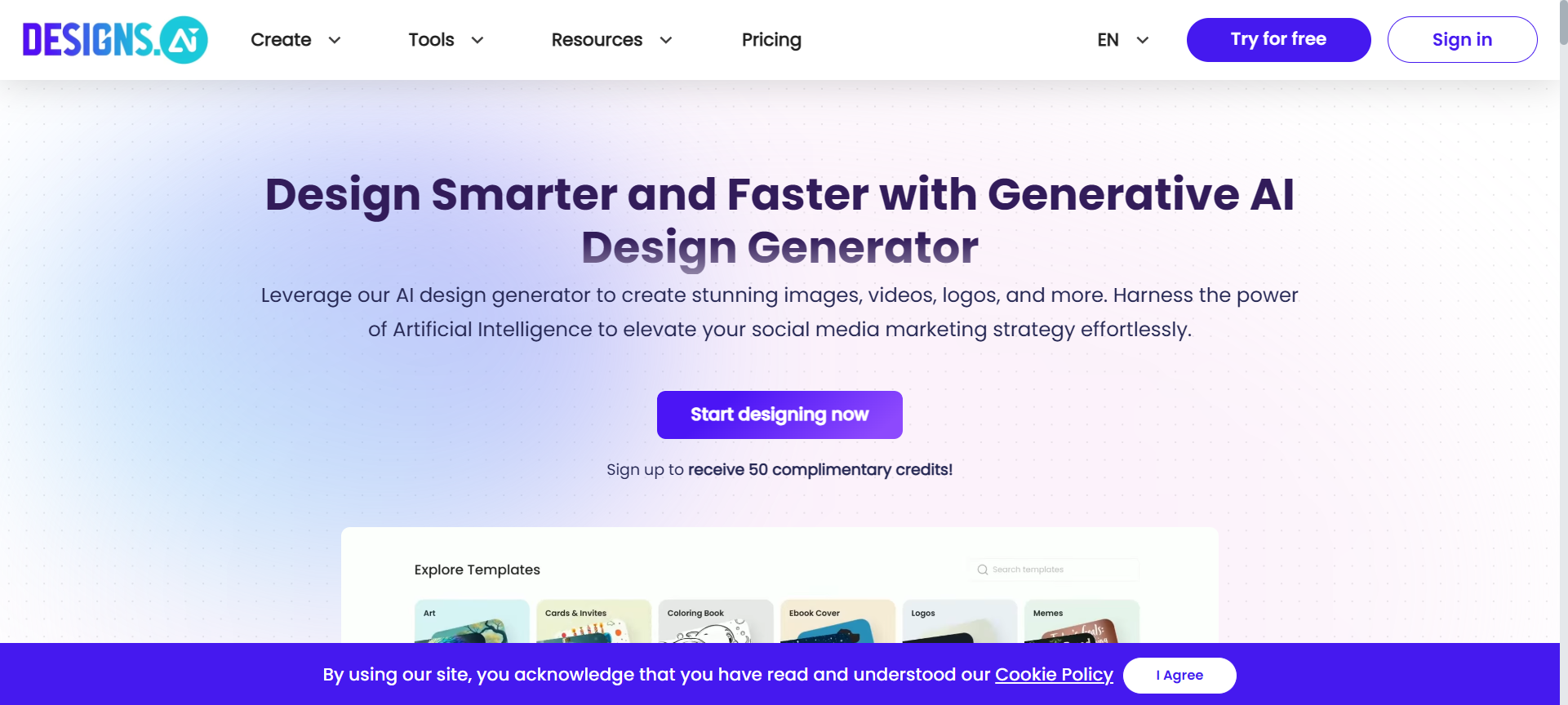
Designs.ai is an advanced AI-powered online design platform developed by Inmagine Group, the same company behind 123RF and Pixlr. Launched to revolutionize how people create content, Designs.ai provides a suite of intelligent tools that help you design logos, videos, banners, mockups, social media posts, and even voiceovers — all powered by artificial intelligence.
Whether you’re a marketer, entrepreneur, or content creator, Designs.ai eliminates the need for hiring expensive designers or spending hours on complex design tools. Its user-friendly interface and smart automation make it ideal for anyone who wants to produce professional designs effortlessly.
Designs.ai Features
Here are the 10 standout features that make Designs.ai one of the most powerful creative platforms in 2026:
1. Logomaker
Design stunning, AI-generated logos in seconds. Just enter your company name, industry, and preferences — Designs.ai will instantly generate multiple unique logo concepts with customizable fonts, icons, and color schemes.
2. Videomaker
Turn text into engaging marketing videos with AI. Simply paste your script or blog URL, and the platform automatically generates a video complete with relevant visuals, background music, and voiceover.
3. Speechmaker
Convert written text into realistic voiceovers with a choice of languages and voice tones. This is perfect for explainer videos, podcasts, or marketing content.
4. Designmaker
Create beautiful graphics such as social media posts, ads, business cards, and posters using smart templates. AI automatically adjusts layouts, colors, and proportions for consistent branding.
5. Copywriter
Generate compelling marketing copy for ads, product descriptions, emails, and more. It uses AI to write optimized content that drives engagement and conversions.
6. Color Matcher
Instantly generate color palettes that align with your brand identity. Simply upload an image or choose a mood, and the AI suggests the perfect palette.
7. Font Pairer
Get AI-recommended font combinations that ensure professional, visually appealing typography across your projects.
8. Graphic Library
Access thousands of royalty-free icons, illustrations, photos, and templates — saving hours of manual searching.
9. Brand Kit
Automatically create a consistent brand identity — including logo, fonts, and color palettes — to maintain uniformity across all marketing materials.
10. Collaboration Tools
Invite team members, collaborate on projects in real-time, and manage brand assets from a single dashboard — ideal for agencies and remote teams.
Designs.ai Pricing Plans 2026
Designs.ai offers flexible pricing to cater to freelancers, small businesses, and agencies. As of 2026, here’s the pricing breakdown:
- Free Plan – Limited access to basic tools and templates. Great for testing the platform.
- Basic Plan – Around $29/month (or $228/year). Includes access to Designmaker, Logomaker, and limited AI features.
- Pro Plan – Around $69/month (or $588/year). Unlocks Videomaker, Speechmaker, Copywriter, and priority support.
- Enterprise Plan – Custom pricing for large teams, agencies, or corporations needing unlimited access and collaboration tools.
All paid plans include cloud storage, premium templates, and regular updates.
Designs.ai Pros & 👎 Cons
✅ Pros
- All-in-one creative suite: Combines design, video, and content creation tools in one platform.
- AI-driven automation: Saves time and eliminates complex manual design work.
- User-friendly interface: Intuitive layout makes it easy for beginners and professionals alike.
- Multilingual voiceovers: Supports numerous languages and accents for global content creation.
- Affordable for teams: Cost-effective compared to hiring designers or video editors.
❌ Cons
- Limited offline functionality: Requires an internet connection for all tools.
- Occasional AI inaccuracies: Some auto-generated designs may need manual tweaks.
- Free plan limitations: Many premium features are locked behind paid tiers.
- Video rendering time: High-resolution videos can take a few minutes to process.
- No advanced customization: Not suitable for highly complex design projects.
Designs.ai Discount Coupon Codes 2026
Looking to save on your subscription? Designs.ai often releases exclusive discount codes and coupons for new users.
Here are some tips to get the best Designs.ai Discount Coupon Codes 2026:
- Visit their official promotions page at Designs.ai.
- Subscribe to their newsletter to receive Designs.ai discount coupons directly in your inbox.
- Follow their official social media handles for flash deals and Designs.ai discount codes 2026.
- Use affiliate partner deals and seasonal offers to get up to 40% OFF on annual plans.
Why Choose Designs.ai?
Designs.ai isn’t just a design tool — it’s a complete creative assistant powered by AI. Here’s why it stands out in 2026:
- Time Efficiency: Create professional content within minutes instead of hours.
- Cost Savings: Replace multiple design subscriptions with one all-in-one platform.
- Consistency: Maintain brand identity across all your marketing assets.
- Scalability: Whether you’re a freelancer or enterprise, it adapts to your creative workflow.
- Innovation: Constantly updated with new AI capabilities and templates.
Designs.ai Alternatives 2026
If you’re exploring similar tools, here are three top Designs.ai alternatives 2026 worth considering:
1. Canva
A widely-used design platform with drag-and-drop simplicity, ideal for beginners. Canva offers templates, animations, and brand kits but lacks AI voiceover or automated video generation features.
2. VistaCreate (formerly Crello)
An excellent alternative for social media and marketing designs. It includes animated templates and stock assets but doesn’t provide AI-powered video or logo generation like Designs.ai.
3. Adobe Express
Perfect for professionals who want Adobe’s quality in a simplified package. It integrates seamlessly with Adobe’s Creative Cloud but comes at a higher cost compared to Designs.ai.
Designs.ai FAQs
1. Is Designs.ai free to use?
Yes, it offers a free plan with limited access. You can try tools like Logomaker and Designmaker before upgrading.
2. Can I use Designs.ai for commercial purposes?
Absolutely. All paid plans allow commercial usage of generated designs, logos, and videos.
3. Does Designs.ai provide templates for all industries?
Yes, Designs.ai offers thousands of templates suitable for multiple industries, including eCommerce, education, finance, and more.
4. Can I cancel my Designs.ai subscription anytime?
Yes, you can cancel your subscription at any time without penalty from your dashboard settings.
5. Does Designs.ai offer team collaboration features?
Yes, Pro and Enterprise plans include collaboration options to invite teammates and manage shared assets.
Conclusion — Is Designs.ai Worth It in 2026?
Designs.ai has proven to be one of the best AI-driven design platforms in 2026. It offers an unmatched blend of automation, creativity, and affordability for content creators, businesses, and marketing teams.
With its wide range of tools — from logo and video creation to voiceovers and copywriting — Designs.ai makes content creation faster, smarter, and more accessible. If you’re looking for a reliable AI-powered alternative to traditional design software, Designs.ai is a must-try.
✅ Final Verdict: Highly Recommended for Designers, Marketers, and Entrepreneurs who want to scale creativity efficiently in 2026.