What Is CapCut?
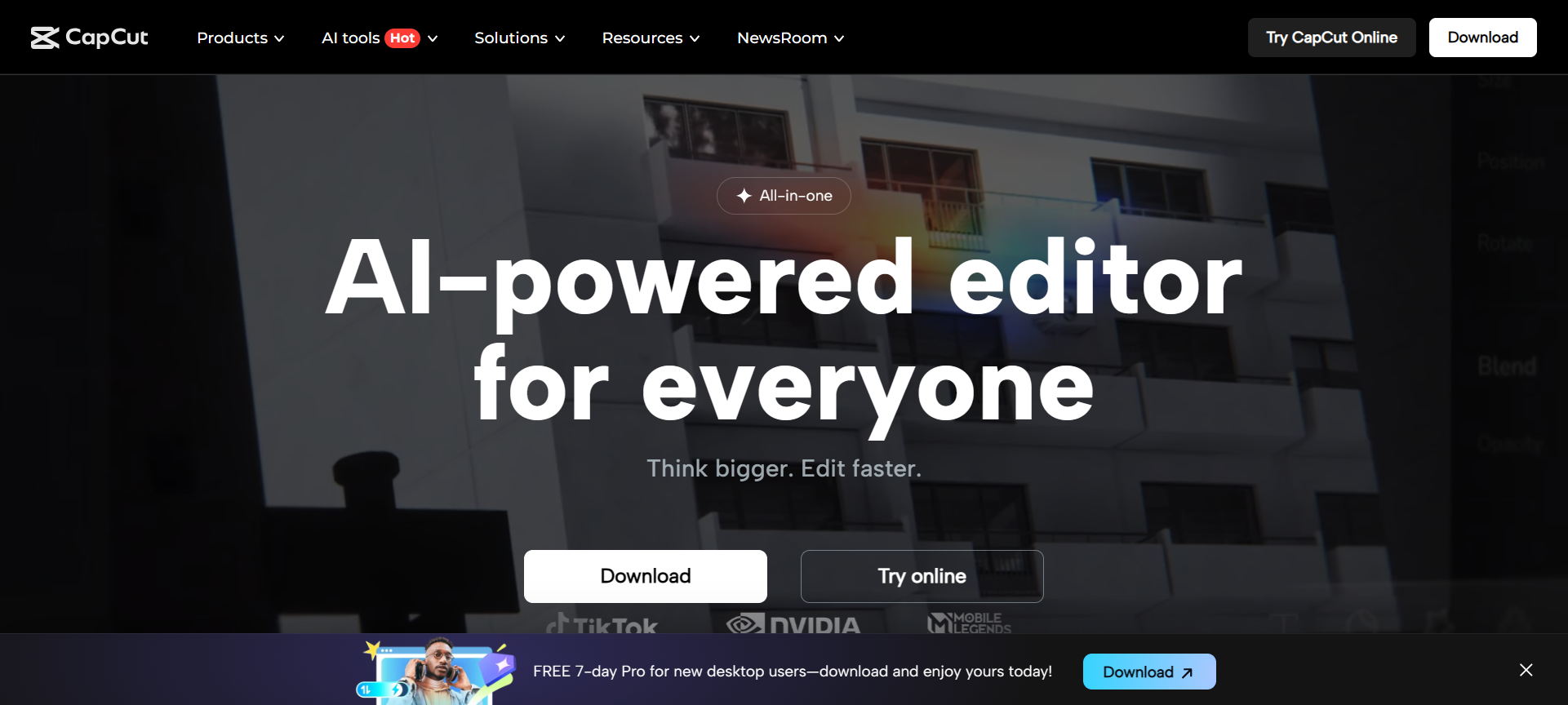
CapCut is a free, all-in-one video editing software developed by Bytedance, the parent company of TikTok. Originally launched as a mobile app, CapCut has rapidly evolved into a full-featured video editor available on Windows, Mac, Android, iOS, and even a web version.
What makes CapCut stand out is its AI-powered editing tools, professional-quality effects, and easy-to-use interface, all wrapped in a free or low-cost pricing model. From trimming clips and adding transitions to creating viral TikTok videos, CapCut gives users a complete creative toolkit without needing advanced editing skills.
In 2026, CapCut continues to dominate the creator space by integrating AI effects, templates, subtitles, and cloud sync features, making it a go-to tool for millions of users worldwide.
CapCut Features
Here are 10 standout features that make CapCut a must-have editing software for 2026:
1. AI-Powered Editing Tools
CapCut uses artificial intelligence to simplify complex editing tasks. Its AI can automatically remove backgrounds, enhance video quality, or sync clips perfectly with the beat of your chosen music.
2. Auto Captions & Subtitles
With a single click, CapCut can generate automatic subtitles for your videos in multiple languages. It’s perfect for accessibility, social media optimization, and audience engagement.
3. Advanced Transitions & Effects
CapCut offers a massive library of transitions, filters, animations, and visual effects, helping creators produce cinematic-quality videos with ease.
4. Multi-Layer Editing
You can add multiple video, image, and text layers to your timeline. This allows for complex compositions, like green screen effects or double exposure videos.
5. Built-In Stock Library
Access a vast collection of royalty-free music, sound effects, and stock footage without leaving the app. This saves time and eliminates the need for external downloads.
6. Cloud Storage & Cross-Platform Sync
CapCut allows users to save projects to the cloud and continue editing from any device — phone, tablet, or desktop — seamlessly.
7. AI Text-to-Speech & Voice Enhancer
Turn text into natural-sounding speech or enhance audio quality automatically using AI-powered tools. This is perfect for creators who don’t want to record voiceovers manually.
8. Social Media Templates
CapCut offers ready-to-use templates optimized for social platforms like TikTok, Instagram, and YouTube Shorts. Just upload your clips, and the template does the rest.
9. High-Resolution Export
Unlike many free editors, CapCut allows you to export videos in up to 4K resolution with minimal compression. This ensures professional-quality output for every project.
10. Collaborative Editing
In 2026, CapCut introduced a team collaboration feature, allowing multiple users to work on the same project in real time — ideal for agencies, influencers, and marketing teams.
CapCut Pricing Plans
One of CapCut’s biggest advantages is its flexible pricing. Most of its core features are completely free, but it also offers a Pro version for advanced creators and professionals.
Here’s a breakdown of the CapCut pricing plans (2026):
- Free Plan – $0/month
- Full access to basic editing tools
- Free templates, filters, and music library
- Watermark-free exports
- Up to 1080p export quality
- CapCut Pro Plan – Starting from $7.99/month (or $74.99/year)
- Access to premium templates and effects
- AI-powered editing enhancements
- Cloud storage upgrades
- 4K video exports and advanced filters
- No ads and priority processing
CapCut Pro is available via subscription on both the web app and mobile app. Considering the advanced AI tools it offers, the pricing is quite affordable compared to other professional editors.
CapCut Pros & Cons
Like any software, CapCut has its strengths and weaknesses. Here’s a quick overview:
✅ Pros:
- Free and Feature-Rich: Most professional tools are free, making it perfect for beginners and pros alike.
- AI Automation: Saves hours of manual work with intelligent auto-editing features.
- Cross-Platform Editing: Seamlessly switch between mobile, desktop, and web versions.
- User-Friendly Interface: Minimal learning curve — perfect for non-technical users.
- No Watermark (Even on Free Version): A major advantage over competitors.
❌ Cons:
- Limited Offline Access: Some features require an internet connection.
- Occasional Performance Lag: Larger projects may run slower on low-end devices.
- Cloud Storage Limitations: Free users have limited online storage.
- Mobile App Ads: Occasional in-app ads on the free version.
- Limited Professional Color Grading: Not as deep as tools like Premiere Pro or DaVinci Resolve.
CapCut Discount Coupon Codes 2026
If you’re planning to upgrade to CapCut Pro, you can save money using CapCut Discount Coupon Codes 2026. CapCut frequently runs special offers and promotions throughout the year.
Here are some ways to grab a CapCut Discount 2026:
- Seasonal Offers: CapCut often offers discounts during New Year, Black Friday, and Cyber Monday sales.
- Student Discounts: Some regions offer special pricing for students and educators.
- Partner Promotions: Occasionally, TikTok or affiliate partners provide exclusive CapCut Discount Coupon Codes 2026.
To find the latest deals, visit the official CapCut website and check their “Pricing” or “Offers” page.
Why Choose CapCut?
There are plenty of reasons why CapCut remains a favorite among creators in 2026:
- Beginner-Friendly Yet Powerful: CapCut provides a balance between simplicity and professional-grade editing tools.
- AI-Powered Creativity: Tools like text-to-speech, auto-captioning, and background removal make editing effortless.
- All-in-One Platform: You can edit, design, add subtitles, and export — all from one place.
- Free Forever Option: Even without paying, CapCut offers everything a creator needs.
- Community and Templates: CapCut’s global creator community shares templates daily, inspiring users to make trendy content faster.
If you want a versatile, fast, and reliable video editing tool that doesn’t require a steep learning curve or expensive license, CapCut is your go-to choice in 2026.
CapCut Alternatives 2026
While CapCut is fantastic, it’s not the only video editing solution available. Here are 3 top CapCut Alternatives 2026 worth exploring:
1. Adobe Premiere Rush
Designed for creators who want Adobe-level quality in a simplified format. It syncs perfectly with Premiere Pro, offers professional-grade transitions, and integrates directly with Adobe Creative Cloud.
2. InVideo
A powerful browser-based video editor built for marketers and content creators. It features AI-powered templates, voiceovers, and collaboration tools. Ideal for quick social media videos and ads.
3. Canva Video Editor
Perfect for beginners, Canva Video Editor offers drag-and-drop simplicity with thousands of templates. It’s best for quick promotional videos, social posts, and brand storytelling.
Each of these tools has unique strengths, but CapCut remains unbeatable for users who want AI-powered creativity and affordability in one package.
CapCut FAQs
1. Is CapCut really free?
Yes! CapCut’s core editing tools are 100% free to use. You can edit, export, and share videos without watermarks. Premium features are available in the Pro plan.
2. Does CapCut work offline?
Yes, basic editing can be done offline. However, some advanced AI tools and effects require an internet connection.
3. Is CapCut available for PC and Mac?
Yes, CapCut now offers desktop versions for both Windows and macOS, along with a web editor and mobile apps.
4. Can I use CapCut for commercial projects?
Absolutely! You can use CapCut to create professional videos for clients, marketing, or social media campaigns.
5. Where can I find CapCut Discount Codes 2026?
Visit CapCut.com or trusted deal platforms to discover the latest CapCut Coupon Codes 2026 and limited-time offers.
Conclusion: Is CapCut Worth It in 2026?
Without a doubt — CapCut is one of the best free and AI-powered video editors available in 2026. It bridges the gap between professional editing tools and user-friendly design, making video creation accessible to everyone.
Whether you’re editing a short TikTok clip or producing YouTube content, CapCut delivers powerful results with minimal effort. Its combination of AI-driven automation, free templates, and professional effects makes it a standout choice in today’s creator economy.
If you’re searching for an affordable, fast, and creative video editor, CapCut should be at the top of your list.
👉 Visit CapCut.com today to start editing, explore premium features, and check out the latest CapCut Discount Coupon Codes 2026 for exclusive savings!