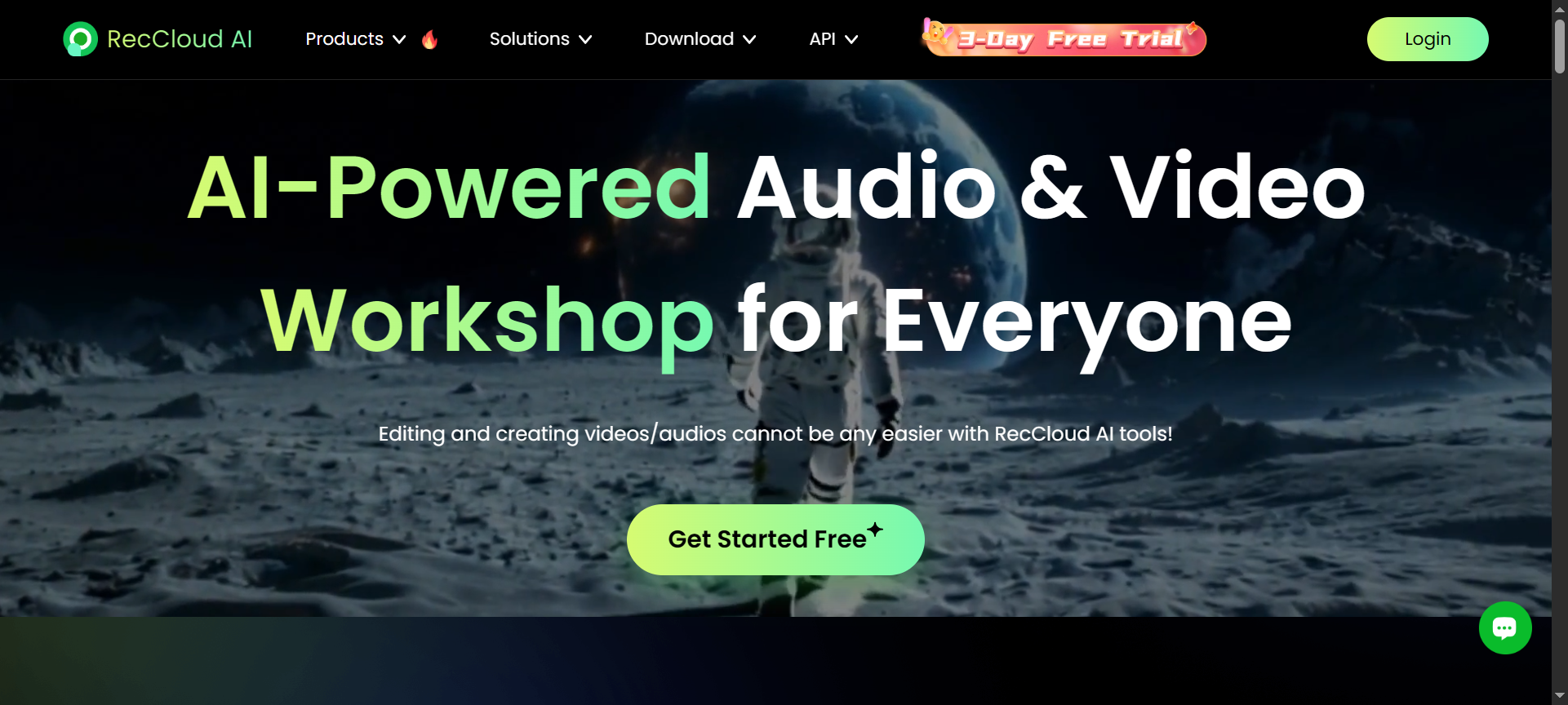

In the fast-paced digital era, screen recording, cloud storage, and video management tools have become essential for creators, professionals, and businesses. Among the growing number of tools, RecCloud stands out as a versatile, cloud-based platform that simplifies recording, editing, and storing your content—all in one place. In this RecCloud Review 2026, we’ll explore everything about the platform, including its features, pricing, pros and cons, discount coupon codes, and the best alternatives to help you make an informed decision.
What is RecCloud?
RecCloud is a cloud-based video recording and management platform designed to help users easily capture, store, edit, and share videos securely. Whether you’re a content creator, educator, business professional, or gamer, RecCloud provides a seamless experience for recording your screen or webcam directly to the cloud.
Unlike traditional screen recorders that store files locally, RecCloud automatically saves recordings in the cloud—allowing users to access, edit, and share them instantly from anywhere. This not only saves local storage space but also makes collaboration effortless. In 2026, RecCloud continues to evolve with advanced features that meet the growing demand for remote work, online education, and digital content creation.
RecCloud Features
RecCloud has earned its reputation thanks to its wide range of innovative features that make recording and managing video content effortless. Let’s explore its top 10 features in detail:
- Cloud-Based Recording
Unlike traditional recorders, RecCloud automatically uploads your recordings to its secure cloud platform. You can access and manage your videos anytime without worrying about local storage limitations. - Screen and Webcam Recording
RecCloud allows users to record their entire screen, specific windows, or custom regions. You can also record your webcam simultaneously for presentations, tutorials, or meetings. - Audio Recording Options
The platform supports system audio and microphone input, making it perfect for recording tutorials, podcasts, or video explanations with professional sound clarity. - Built-in Video Editor
After recording, you can use RecCloud’s built-in editor to trim, crop, merge, or annotate your videos without needing third-party software. This saves both time and effort. - One-Click Sharing
Each recording on RecCloud generates a unique shareable link, allowing you to share videos instantly via email, social media, or messaging platforms. - Multi-Device Access
Since RecCloud is cloud-based, you can log in and manage your content from desktops, laptops, tablets, or smartphones—anywhere and anytime. - Collaboration Tools
RecCloud enables teams to collaborate efficiently by commenting, tagging, and sharing feedback directly within the platform. This makes it an ideal tool for remote teams. - Secure Cloud Storage
With advanced encryption and data protection, RecCloud ensures your recordings remain safe and private. It also offers scalable storage depending on your plan. - Video Compression and Optimization
RecCloud automatically optimizes your video files for faster playback and sharing without compromising on quality. - Integration and API Access
Developers and businesses can integrate RecCloud with third-party tools and automation workflows using its API, making it highly adaptable to various use cases.
RecCloud Pricing Plans
RecCloud offers flexible pricing plans to suit different needs—from casual users to professional creators and business teams. While pricing can vary depending on region and promotional offers, here’s an overview of RecCloud’s 2026 plans:
- Free Plan – Ideal for beginners. It includes limited recording time, basic editing tools, and standard cloud storage.
- Pro Plan – Priced around $9.99/month, this plan unlocks HD recording, extended recording duration, and more cloud storage.
- Business Plan – Priced around $19.99/month, designed for professionals and teams, offering advanced collaboration, team management tools, and priority support.
- Enterprise Plan – Custom pricing available upon request. This plan is ideal for organizations that need bulk storage, custom branding, and dedicated account support.
RecCloud frequently offers discounts and coupon codes that reduce the overall cost for annual or long-term subscriptions.
RecCloud Pros and Cons
Pros
- Cloud-first approach eliminates local storage issues.
- Easy-to-use interface suitable for all experience levels.
- Powerful built-in video editor for quick post-recording adjustments.
- Secure sharing and collaboration tools enhance teamwork.
- Cross-device access makes it flexible for remote users.
Cons
- The free version has limited recording duration and features.
- Internet connection is required for cloud uploads.
- Advanced editing tools may not rival professional video software.
- Occasional lag during long HD recordings.
- Custom branding options only available on higher plans.
RecCloud Discount Coupon Codes 2026
Looking to save on your subscription? RecCloud Discount Coupon Codes 2026 offer exclusive savings on annual and monthly plans. These discounts can range from 10% to 50% off, depending on ongoing promotions.
Users can also find RecCloud Discount Codes 2026 during special occasions such as Black Friday, Cyber Monday, or seasonal events. Applying a RecCloud Discount Coupon 2026 at checkout allows you to enjoy premium features—like extended cloud storage and HD video recording—at a fraction of the cost.
Whether you’re upgrading to the Pro or Business Plan, using a RecCloud Coupon Code 2026 is an excellent way to maximize value.
Why Choose RecCloud?
RecCloud is not just another screen recorder—it’s a full-fledged cloud-based ecosystem for recording, storing, and managing your video content. Here’s why thousands of users are choosing RecCloud in 2026:
- Seamless Workflow: From recording to sharing, every process happens within one platform.
- Accessibility: Your videos are available anytime, anywhere, on any device.
- Security: With encrypted data protection, your files remain safe and private.
- Scalability: From individuals to large teams, RecCloud’s pricing and storage options grow with your needs.
- Innovation: Frequent updates and new features ensure that RecCloud stays ahead in usability and technology.
If you’re looking for a cloud-based solution that combines functionality, affordability, and ease of use, RecCloud is a smart choice for 2026.
RecCloud Alternatives 2026
While RecCloud is an excellent platform, a few alternatives also offer strong competition in 2026:
- Loom
Loom is a popular video messaging and screen recording platform ideal for remote teams. It offers instant sharing, easy collaboration, and browser-based access. However, it lacks the same deep cloud management tools that RecCloud provides. - Screencast-O-Matic
Known for its simplicity and reliability, Screencast-O-Matic provides desktop and online screen recording tools with editing capabilities. It’s affordable and great for educators but offers limited cloud storage compared to RecCloud. - Camtasia
Camtasia is a premium desktop software for professional screen recording and video editing. It offers powerful tools but lacks the cloud convenience and accessibility of RecCloud, making it better for users who prefer offline editing.
RecCloud FAQs
- What is RecCloud used for?
RecCloud is used for screen recording, webcam recording, video editing, cloud storage, and sharing—all in one platform. - Is RecCloud free to use?
Yes, RecCloud offers a free plan with basic features and limited recording time. You can upgrade to paid plans for more advanced tools and storage. - Can I edit videos directly in RecCloud?
Absolutely. RecCloud includes built-in editing features that allow you to trim, merge, and annotate videos easily. - Does RecCloud work on mobile devices?
Yes, since RecCloud is cloud-based, you can access and manage recordings from smartphones, tablets, or any web browser. - Is my data secure on RecCloud?
Yes. RecCloud uses encryption and advanced cloud security measures to keep your data safe and private.
Conclusion
RecCloud has proven itself as one of the best cloud-based screen recording and video management platforms in 2026. With its seamless combination of recording, editing, and storage tools, it caters perfectly to educators, businesses, and content creators.
The platform’s affordable pricing, cloud accessibility, and intuitive interface make it a standout choice for anyone looking to create and share professional-quality videos without the hassle of traditional desktop software. Whether you’re recording a tutorial, hosting a meeting, or sharing a presentation, RecCloud delivers efficiency, reliability, and innovation in one package.
For those seeking a secure, modern, and scalable solution, RecCloud in 2026 is definitely worth considering.